Subject: Propeller Installation
Models: All Using Propeller Nut
Problem: 1 The original plastic propeller nut could loosen allowing the propeller to vibrate. If the condition is left unattended, the propeller could fall off.
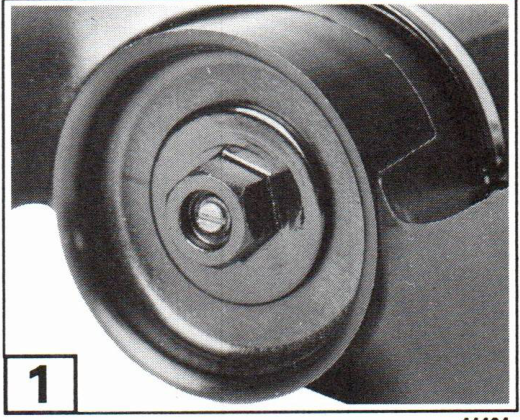
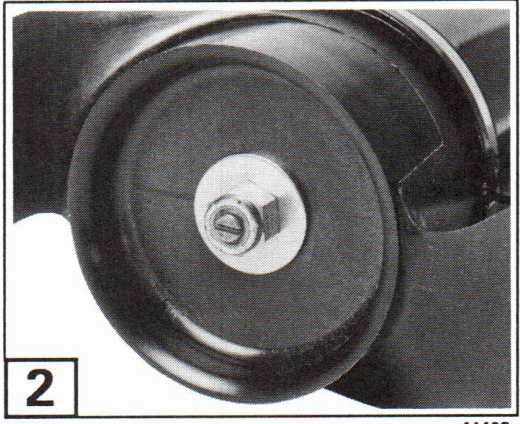
Solution: 2 Replace the plastic nut with locknut, P/N 313990, and washer, P/N 329574. Also check the condition of the propeller drive pin, P/N 116426, and replace if bent. Install the propeller as follows:
- Apply OMC Triple-Guard® grease to the propeller shaft, avoiding the threads.
- Slide the propeller onto the shaft and over the drive pin.
- Install the washer, then the propeller nut. Tighten the nut just enough to prevent the propeller from moving on the shaft. Do not overtighten.